


Affiliate program
In the Assin affiliate program you refer the platform and earn a commission on the subscriptions of your referrals.
Individual and company: the Affiliates item appears for those with the affiliate role (in a company, for the founder). See Using Assin as an individual.
How it works
- You share your referral link. Whoever signs through that link becomes linked to you.
- The people linked to your link appear under Referrals and My referrals.
- Commission received shows the total earned so far, and Available for withdrawal shows the balance you can withdraw.
- Withdrawal is by Pix. The minimum withdrawal is R$ 50.00 and the payment is verified within 1 business day.
The screen does not show the commission percentage nor require a specific plan to take part. To know the program conditions, visit assin.com.br/afiliados.
Where it is
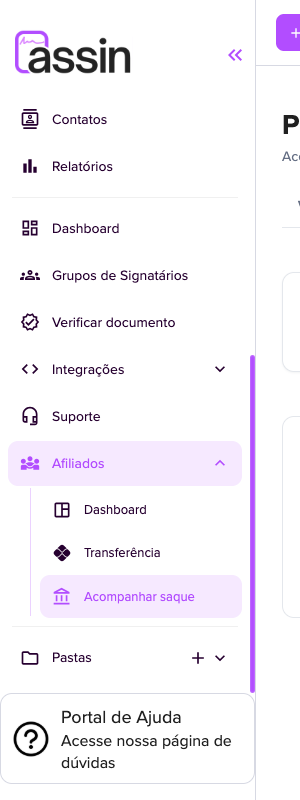
In the side menu, Affiliates opens Dashboard, Transfer and Track withdrawal. All lead to the Affiliate program page, which has the Overview, Withdraw and My withdrawals tabs.
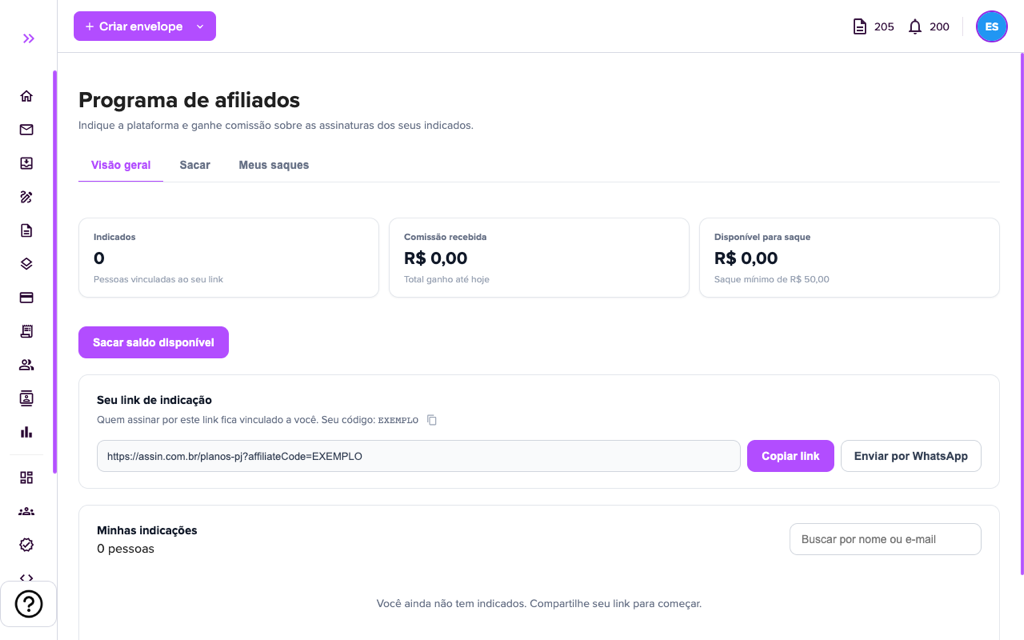
Overview
1. The cards show Referrals (people linked to your link), Commission received (total earned so far) and Available for withdrawal (with the reminder of the R$ 50.00 minimum). The “Withdraw available balance” button takes you to the Withdraw tab.
2. Under Your referral link are the link and your code. Use “Copy link” or “Send by WhatsApp” (the message goes with the text “Discover digital signature” and the link).
3. Under My referrals you see how many people you referred and can search by name or e-mail. With no referrals, the screen shows “You don’t have referrals yet. Share your link to get started.”
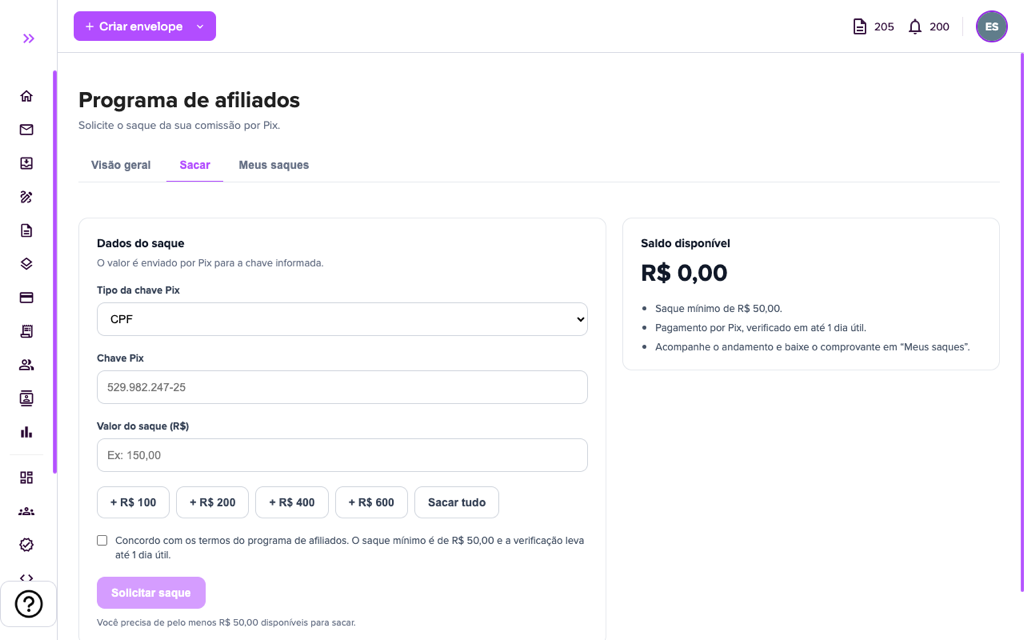
Withdraw
4. In the Withdraw tab (Withdrawal data), choose the Pix key type (Email, CPF, CNPJ, Random Key or Phone), enter the Pix key and the Withdrawal amount (R$). The shortcuts “+ R$ 100”, “+ R$ 200”, “+ R$ 400” and “+ R$ 600” add to the amount, and “Withdraw all” uses the whole balance.
5. Check “I agree to the affiliate program terms” and click “Request withdrawal”. The button only works with at least R$ 50.00 available. The Available balance box repeats the rules: minimum withdrawal of R$ 50.00, Pix payment verified within 1 business day, and progress and receipt in “My withdrawals”.
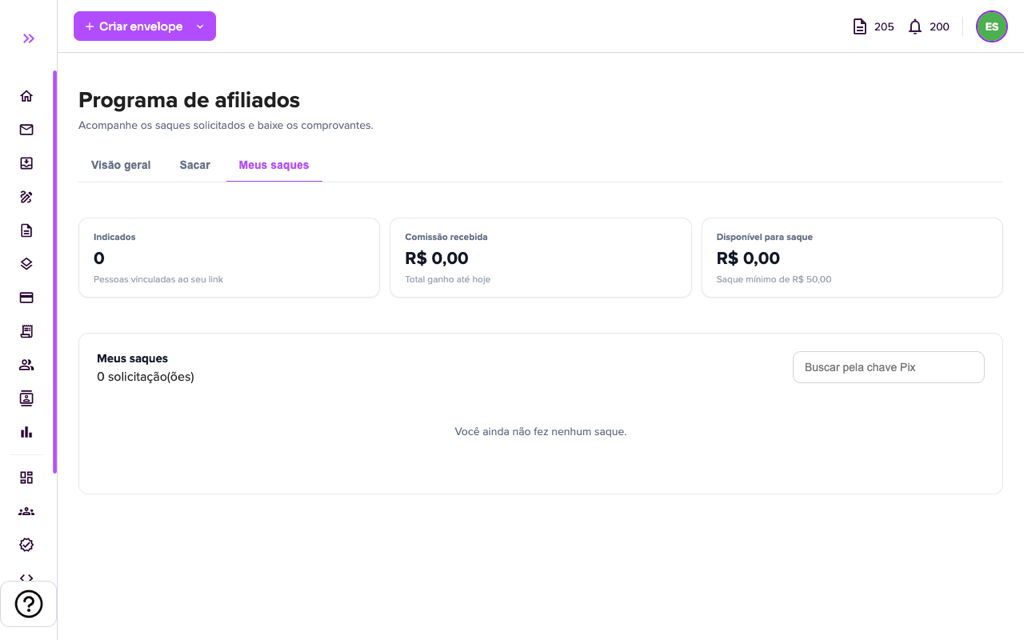
My withdrawals
6. In My withdrawals you follow the requested withdrawals and download the receipts. The screen shows the number of requests and, with no withdrawals, “You have not made any withdrawal yet.” The list has request date, payment date, Pix key, amount, status and receipt, and you can search by Pix key.
Program e-mails
When a referred person makes a payment, you may receive the notice You earned a new commission. About withdrawals, you may receive Withdrawal requested (the request will be paid by Pix after review), Withdrawal paid and Withdrawal not completed (the amount stays in your balance; check the Pix key is correct and request again). See E-mails sent by Assin.
For questions, open a ticket in Support.
For more information visit our website https://assin.com.br/
See how simple it is, Assin?
Assin Digital Signature
Was this article helpful?
Thanks for your feedback!