


Cancel envelope
It may happen that, after sending an envelope for signature, even if some of the signers have already signed, you no longer want it to be signed. In Assin, it is possible to cancel an envelope. But be aware, this is only possible before all signers have signed, that is, if it has a “pending” status. After everyone has signed, the final signed version will be generated and no further modifications can be made to the envelope.
See how to cancel your envelope:
1. Find the envelope you want to cancel and open it to access its information.
2. At the top of the page, look for the “Cancel” button.
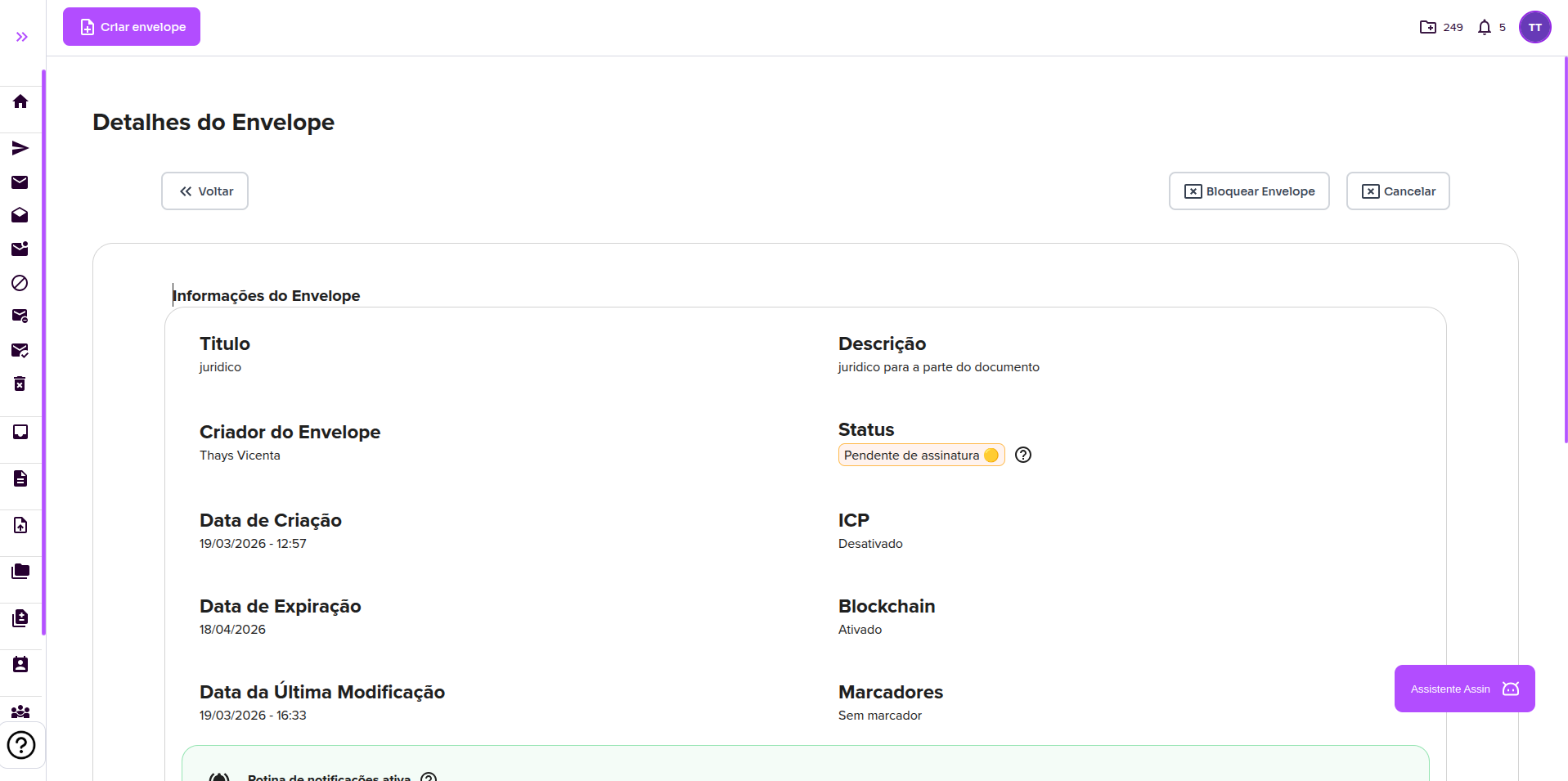
3. Confirm that you want to cancel and you’re done! The envelope status will change from “pending” to “canceled” and no one will be able to sign it anymore.
You don’t want to cancel it, just make small changes? See Block Envelope.
For more information, visit our site https://assin.com.br/
See how simple Assin is?
Assin Digital Signature
Was this article helpful?
Thanks for your feedback!