


Change plan
If you already have an account on the Assin platform and want to subscribe to a plan or change your plan, you can follow these steps.
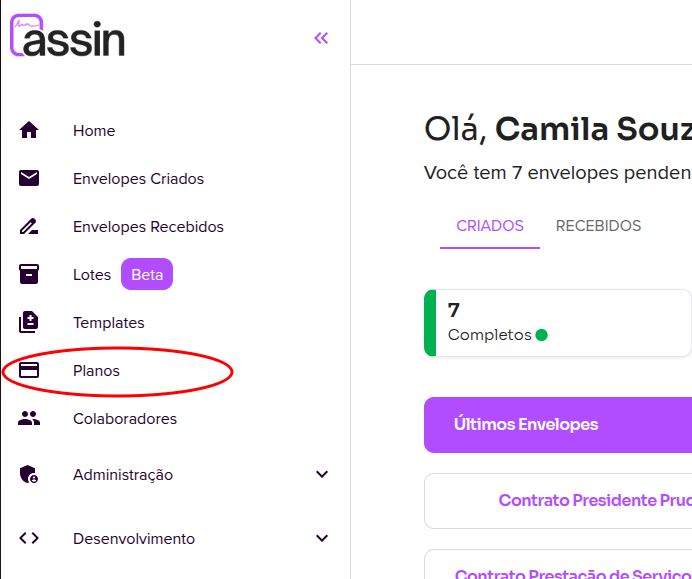
1. Go to the Plans page in the side menu.
2. Choose the desired plan and click “Subscribe”.
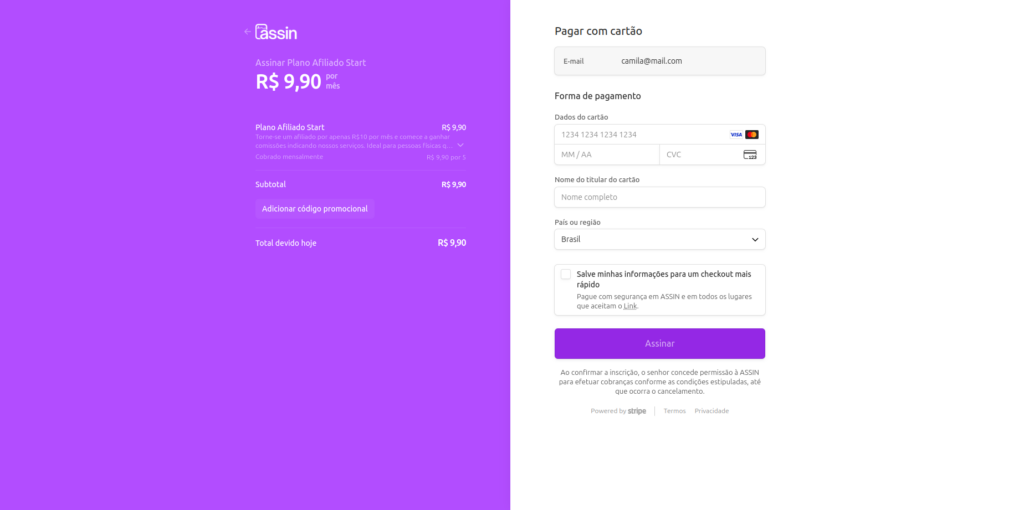
3. You will be taken to our payment manager page. Enter your payment information and click “Subscribe”.
Done, now you can enjoy your Assin plan!
Want to know how to send your document for signing? See here.
For more information, visit our site https://assin.com.br/
See how simple Assin is?
Assin Digital Signature
Was this article helpful?
Thanks for your feedback!