


Marker Details
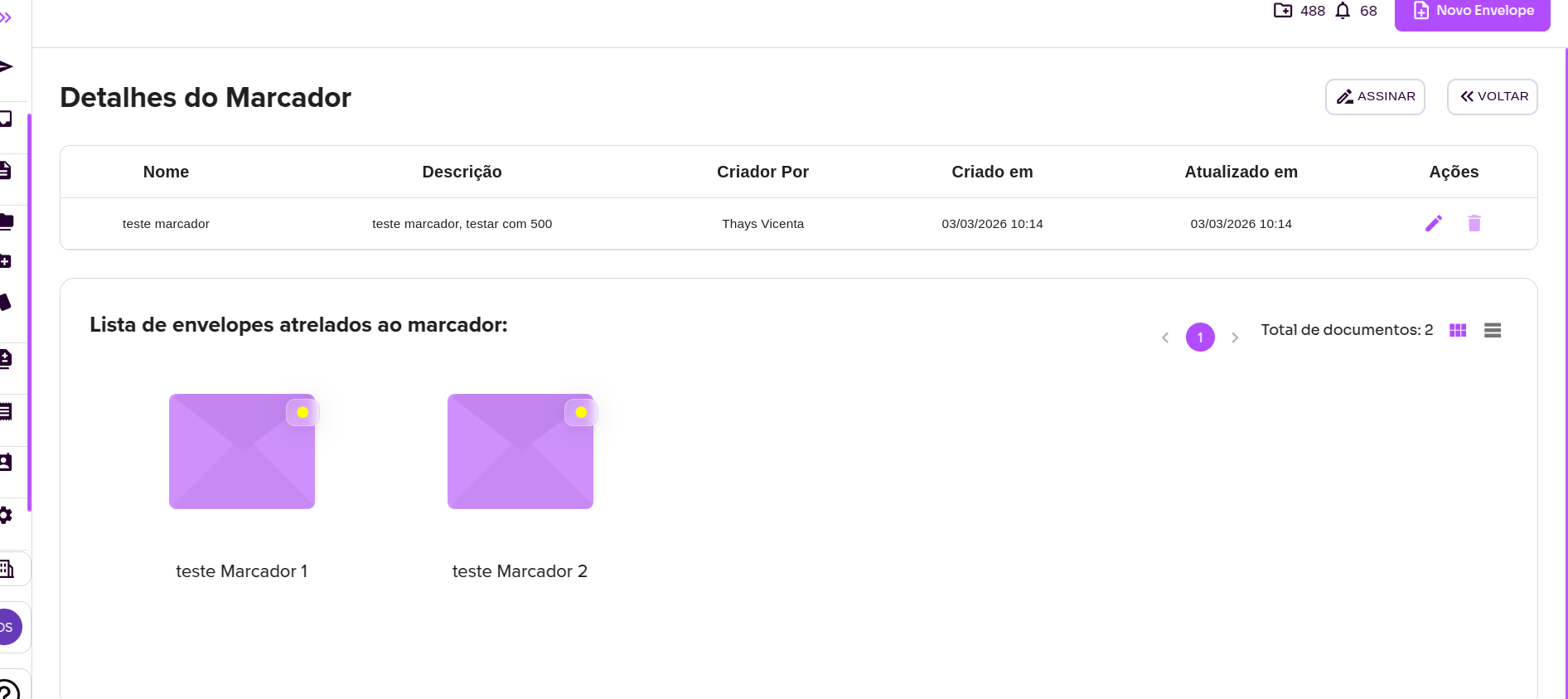
4. After creating or selecting a marker from the list, you will be directed to the Marker Details screen.
On this page, you will be able to view:
- Name
- Description
- Created by
- Creation date
- Last updated date
At the bottom of the screen, the list of all envelopes associated with the marker will be displayed. You can click on any envelope to access its details.
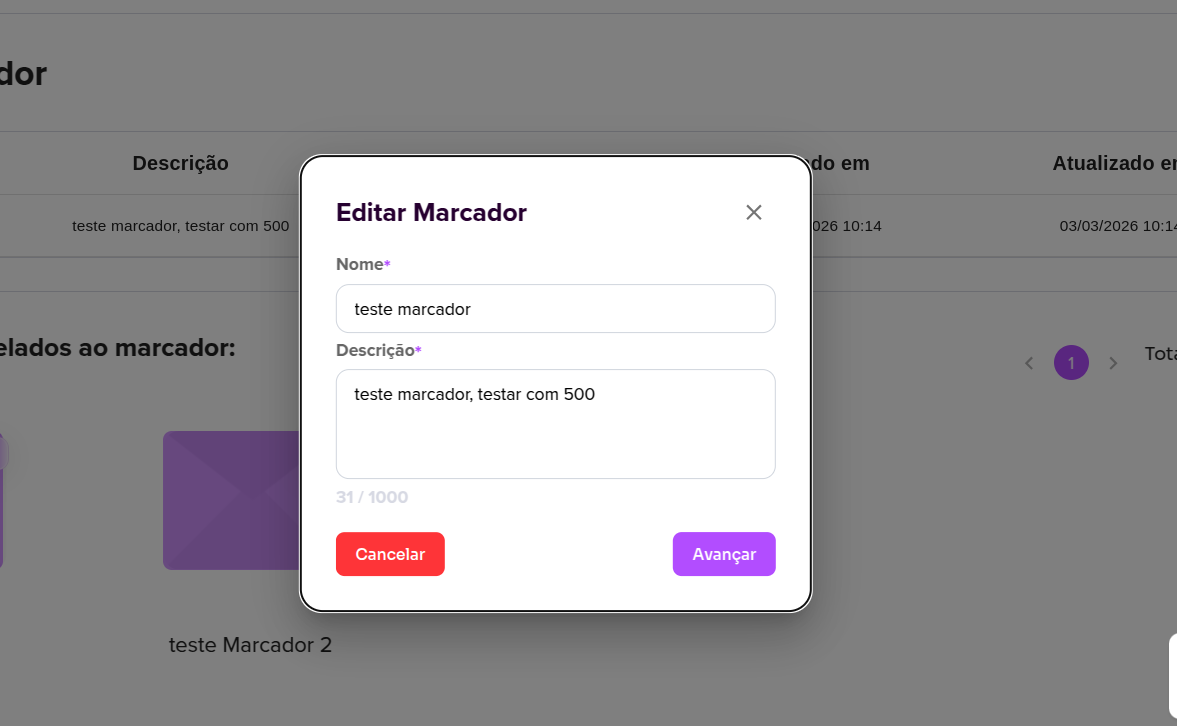
5. In the Actions column, you can edit the marker’s name and description or delete it.
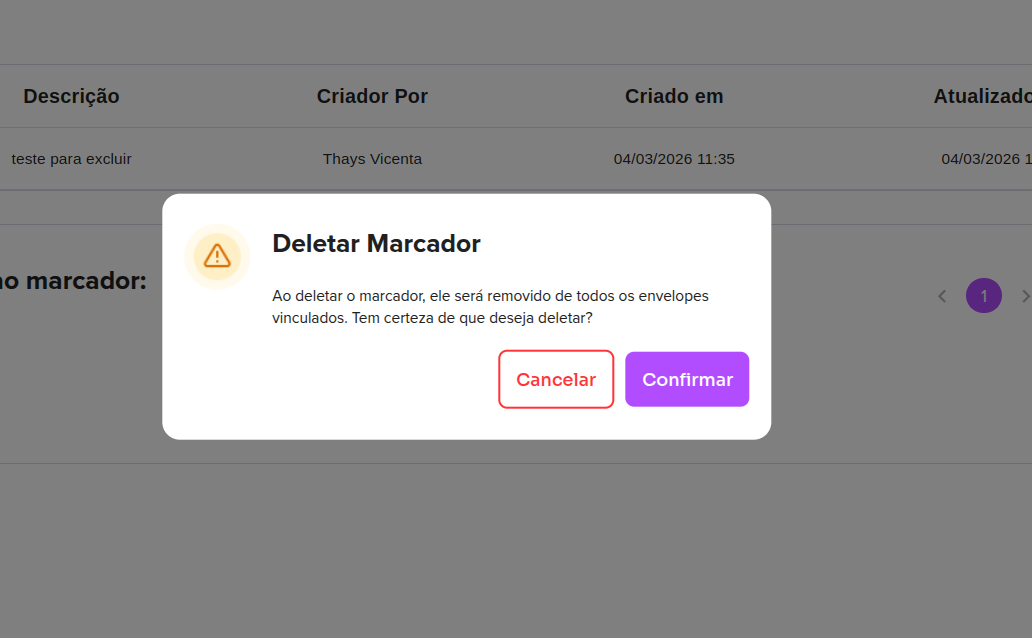
⚠️ A marker can only be deleted if there are no envelopes linked to it.
Now that you know how to use Markers, it’s much easier to organize your envelopes.
For more information, visit our website https://assin.com.br/
See how simple Assin is?
Assin Digital Signature
Was this article helpful?
Thanks for your feedback!