


E-mails sent by Assin
Assin sends automatic e-mails at every stage of the process, so nobody misses a deadline or a signature. If you do not find an expected message, check your spam folder and confirm the recipient’s e-mail is correct. Notification e-mails do not consume credits (only SMS and WhatsApp do: see Difference between credit and notification credit).
E-mails for signers
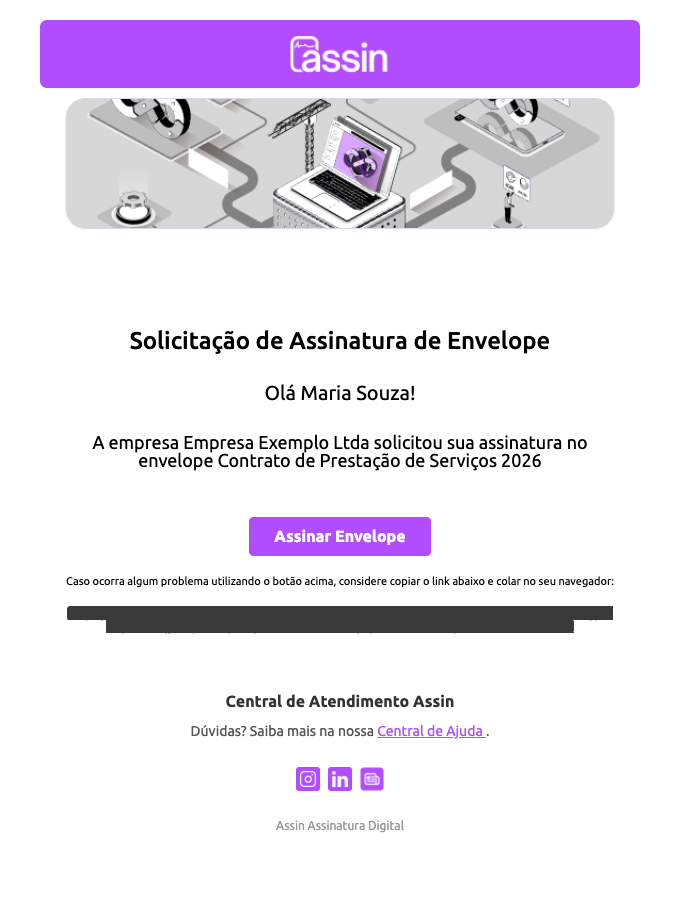
- Signature Request: arrives when the envelope is sealed. It says who requested the signature and has the Sign Envelope button. See How to sign an envelope?.
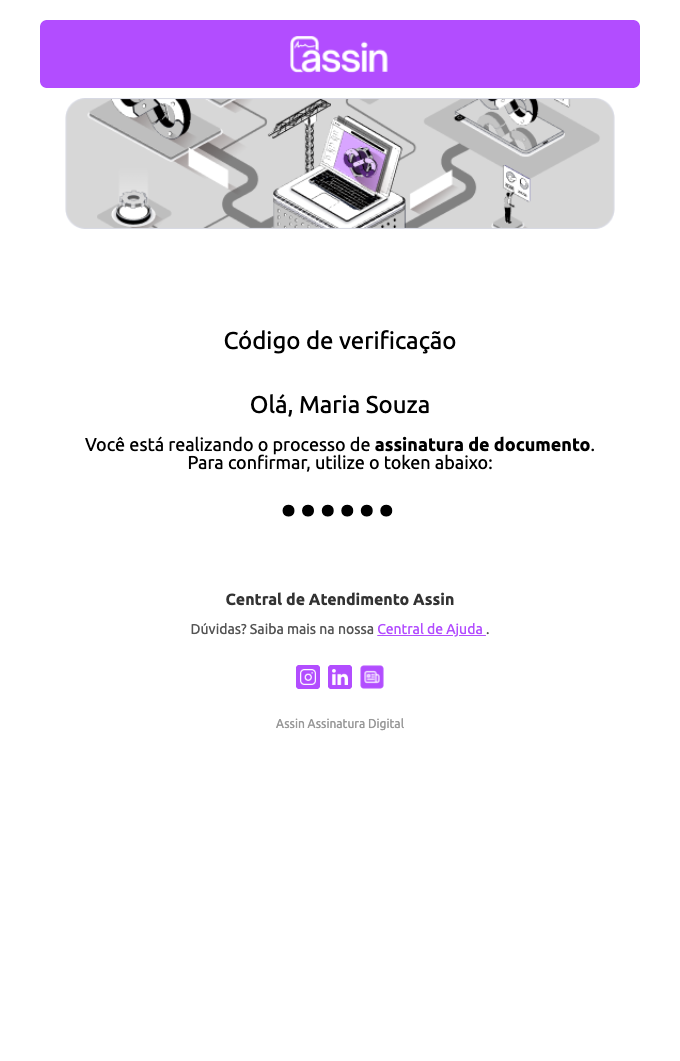
- Verification code: the 6-digit code used in e-mail validation. See Email validation.
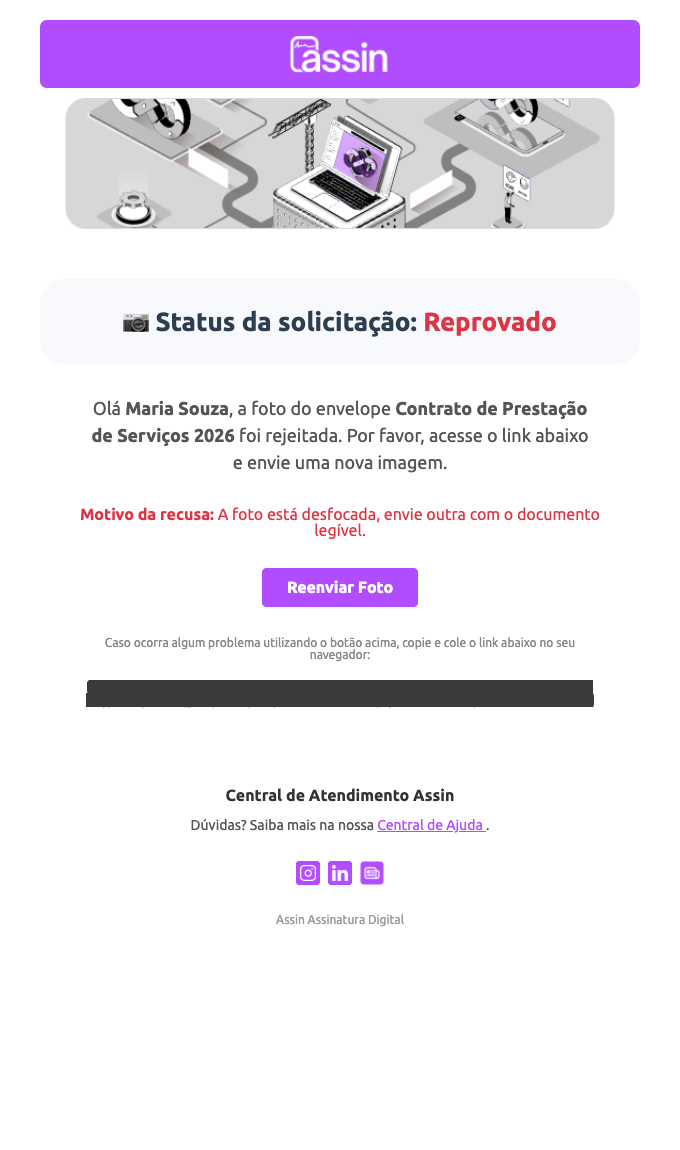
- Photo approved or rejected: tells the result of the ID document photo validation. If rejected, the e-mail gives the reason and has the Resend Photo button. See Validate photo.
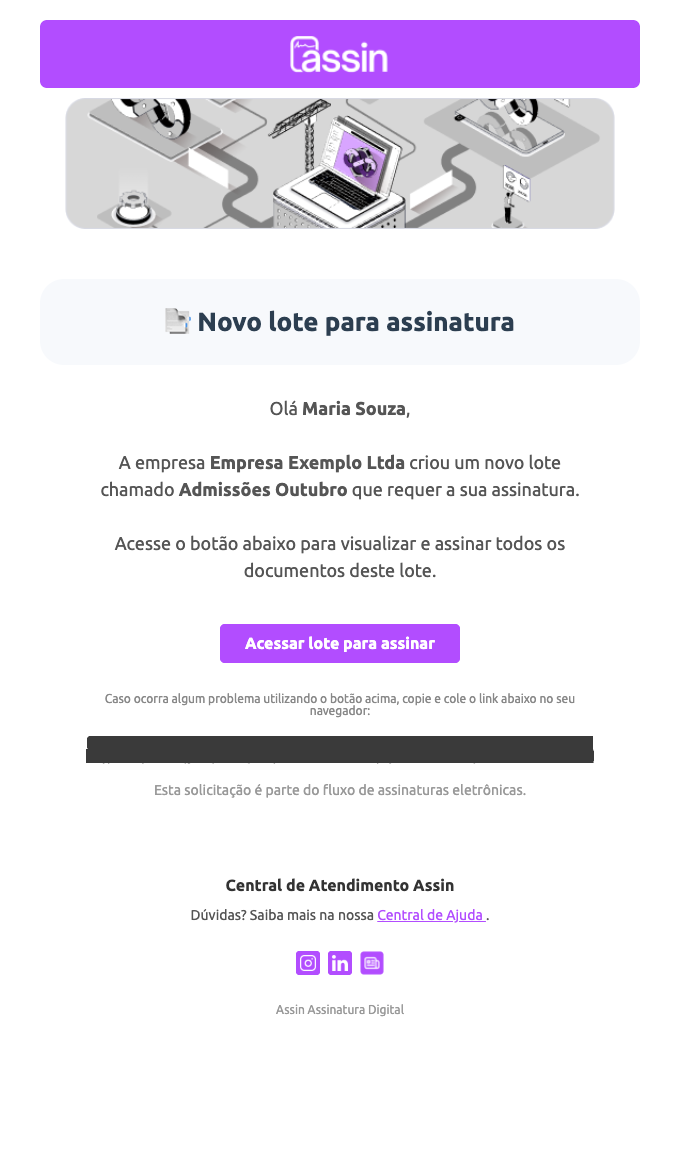
- New batch to sign and Batch completed: when you are part of a batch, you receive the Access batch to sign button to sign all the documents at once and, later, a completion notice with the Access documents button. In batches with a template there is also the Envelope Information Validation e-mail, to check the document data. See Batch signing.
- Document canceled: warns that the envelope was canceled and should no longer be signed.
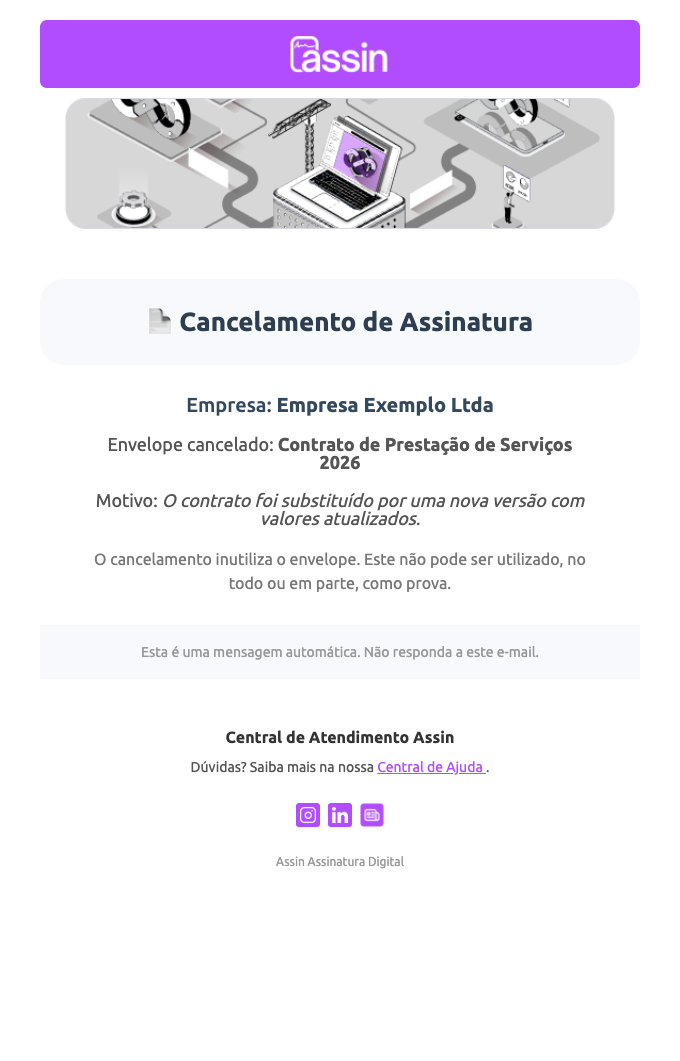
- Signature temporarily paused and Envelope released for signing: warn when the envelope is blocked and when it becomes available again.
E-mails for the envelope sender
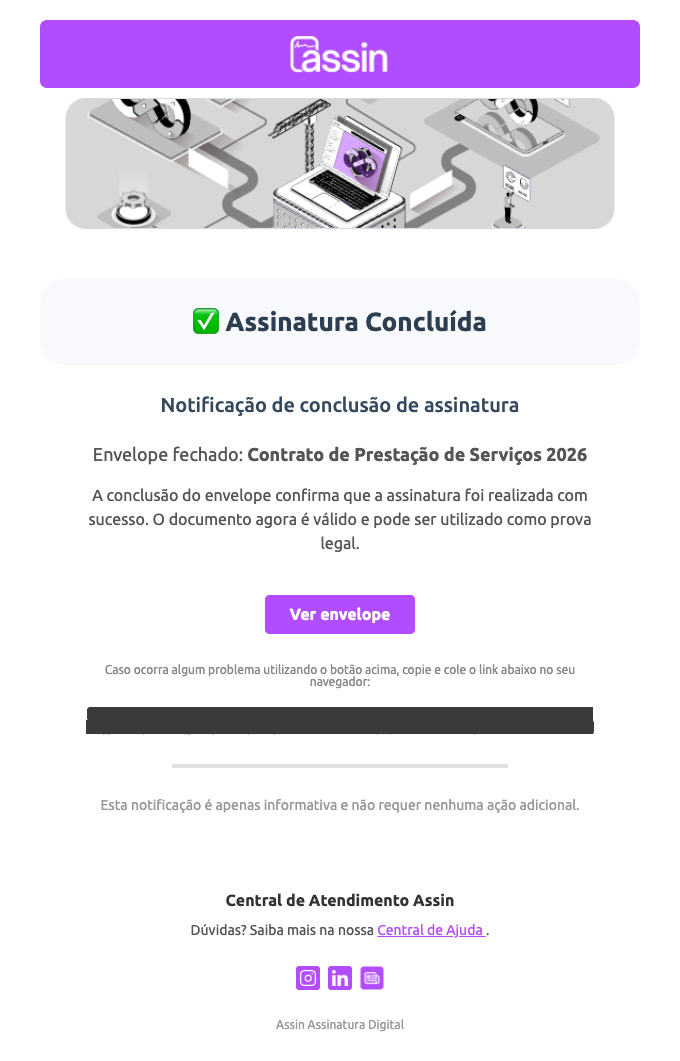
- Envelope completed (Signature Completed): confirms everyone signed and has the View envelope button.
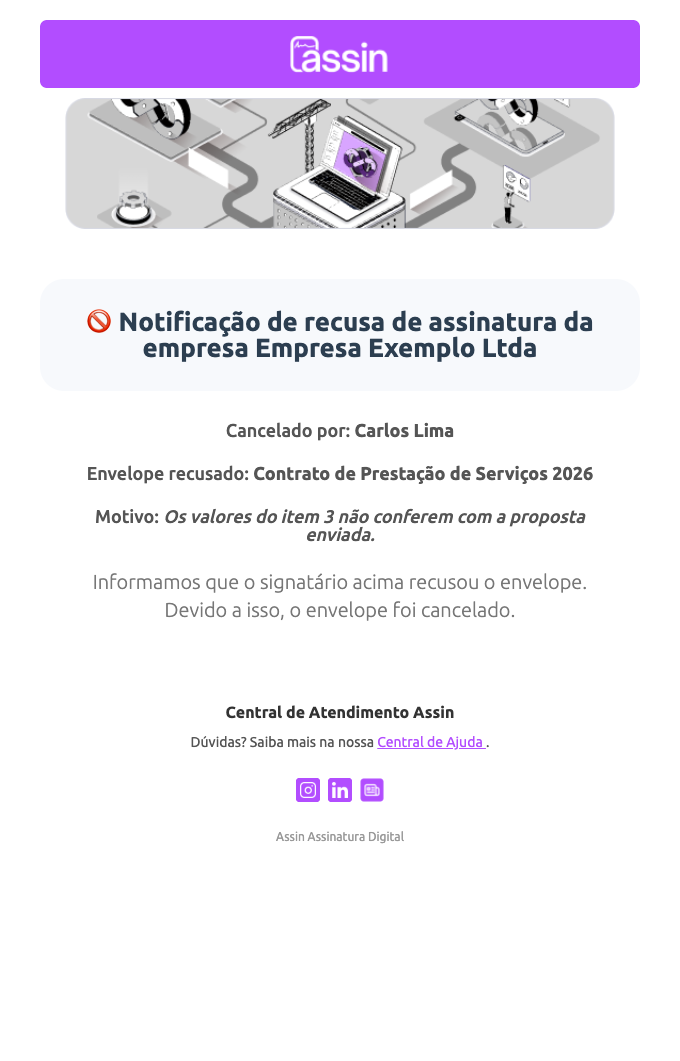
- Signature refused: when a signer refuses, you receive their name and the reason, and the envelope is canceled. See Envelope signature status.
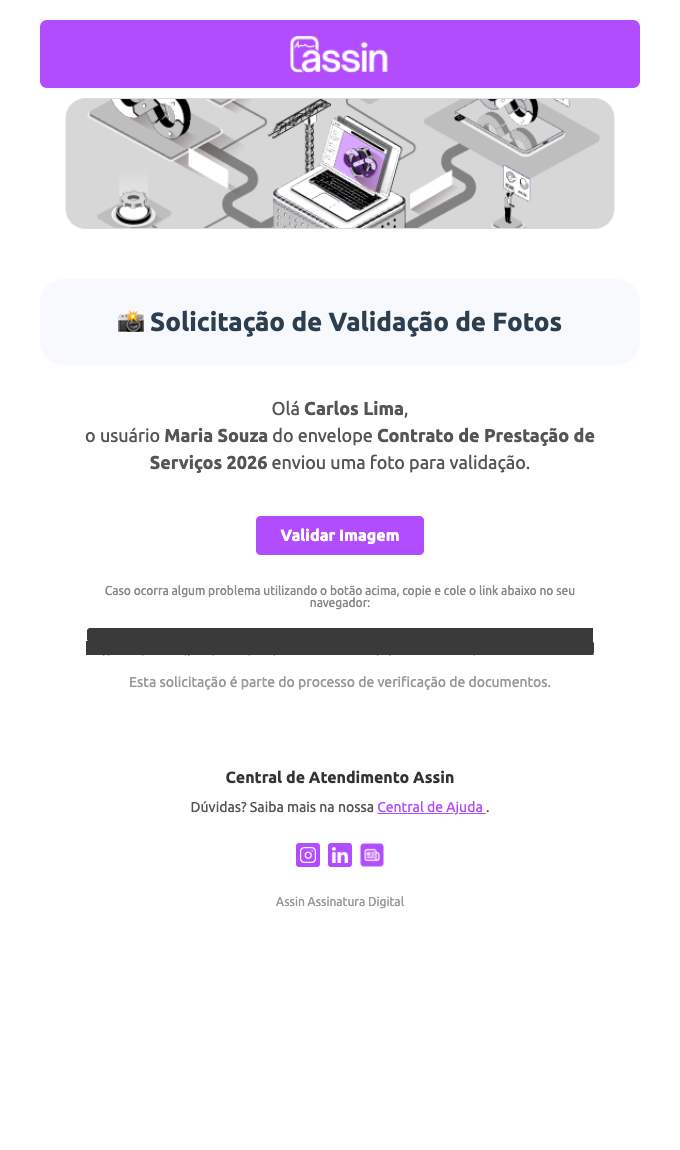
- Photo Validation Request: when the signer sends the photo, you receive the Validate Image button to approve or refuse.
Account e-mails
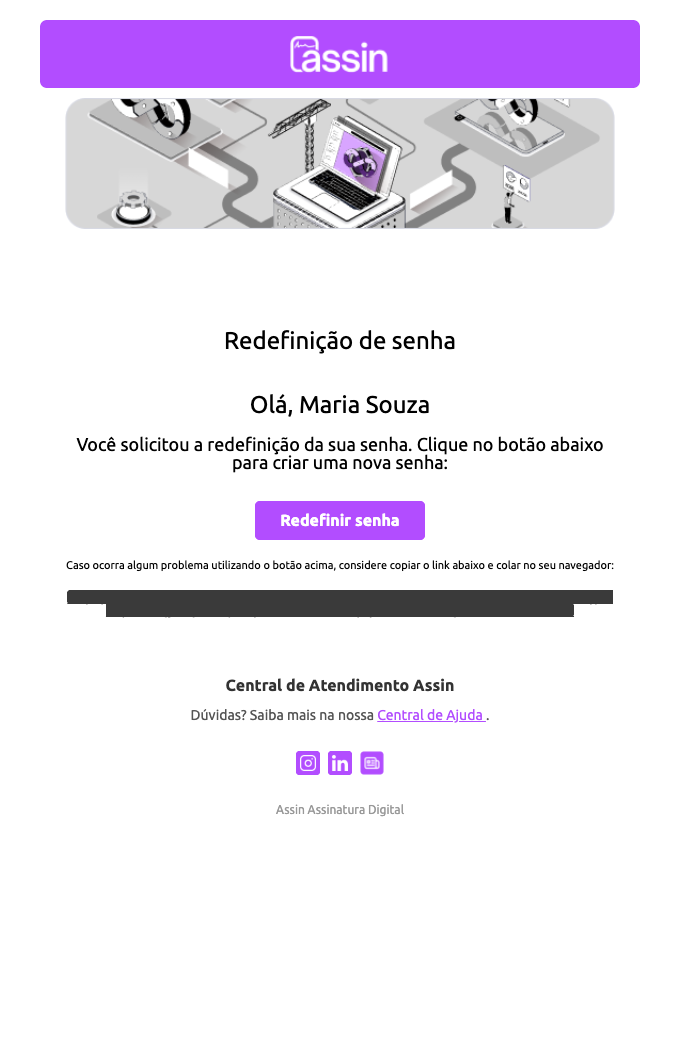
- Password reset: has the Reset password button. See Password Recovery.
- Collaborator invitation (subject “Cadastro em uma nova empresa”, i.e. “Registration in a new company”): when the company adds you as a collaborator. See Collaborators and permissions.
Support e-mails
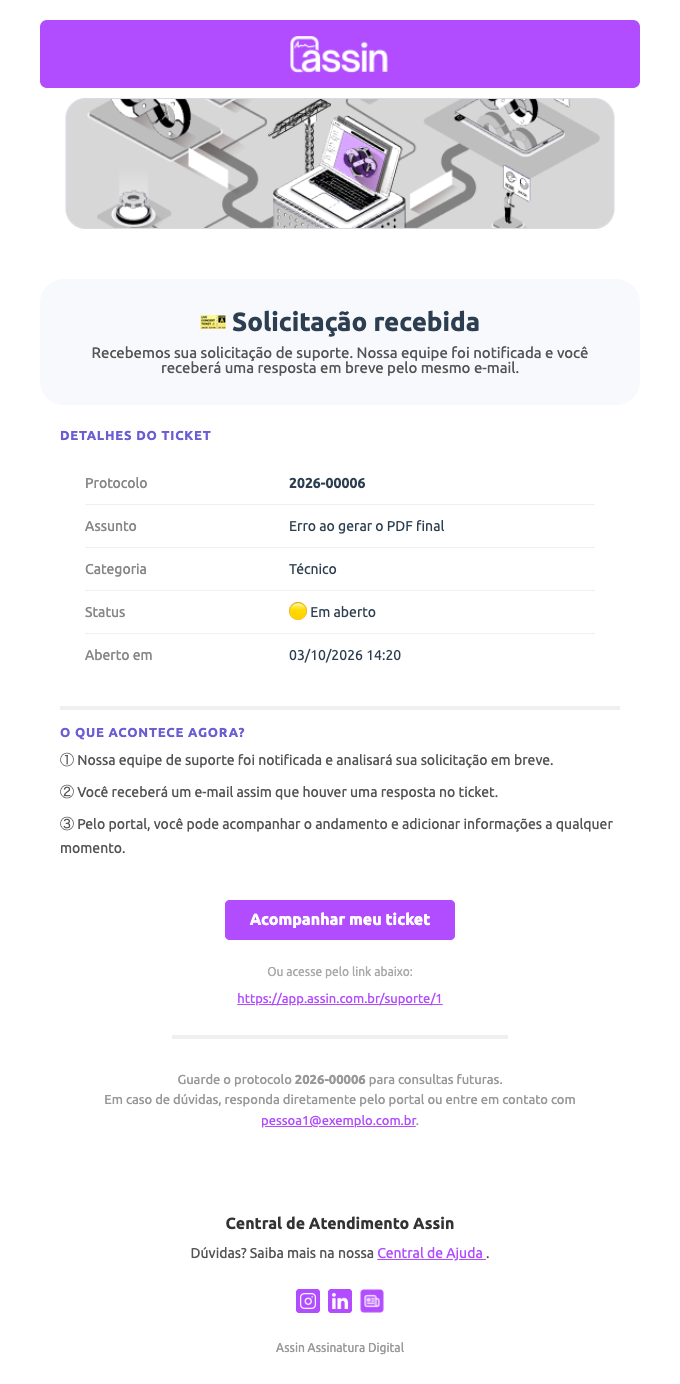
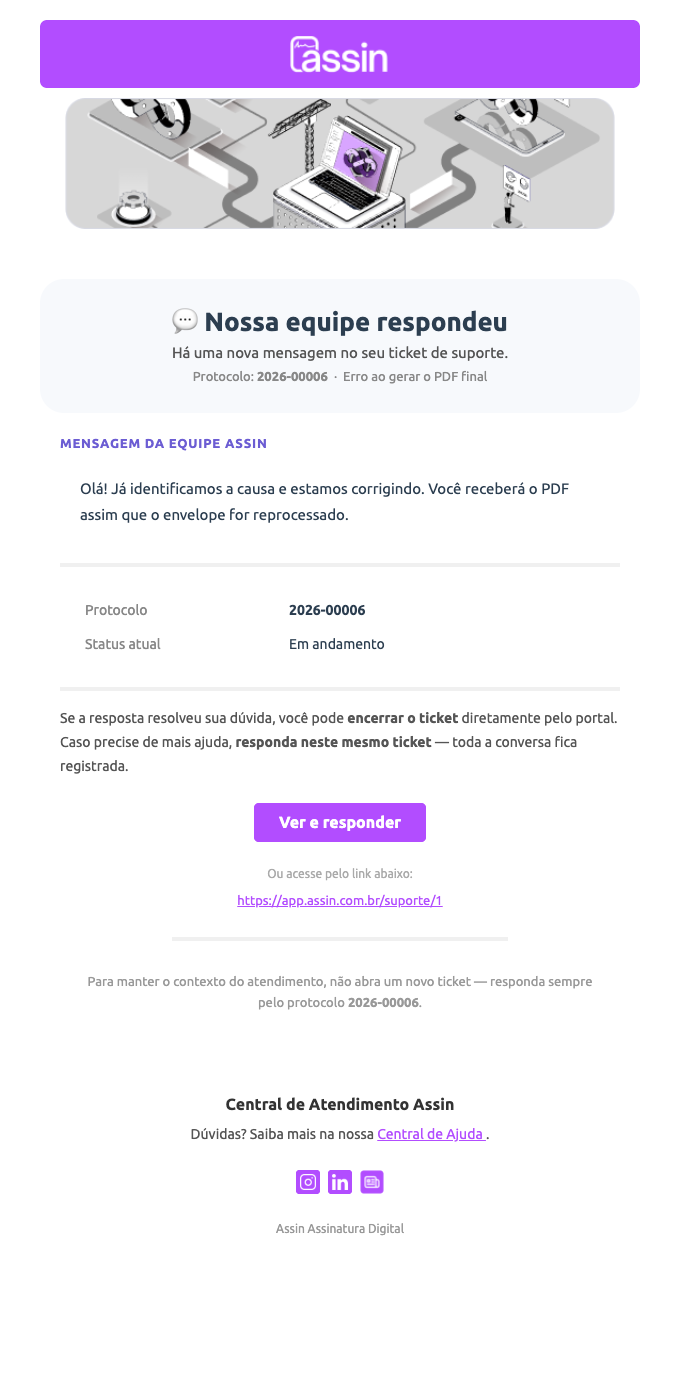
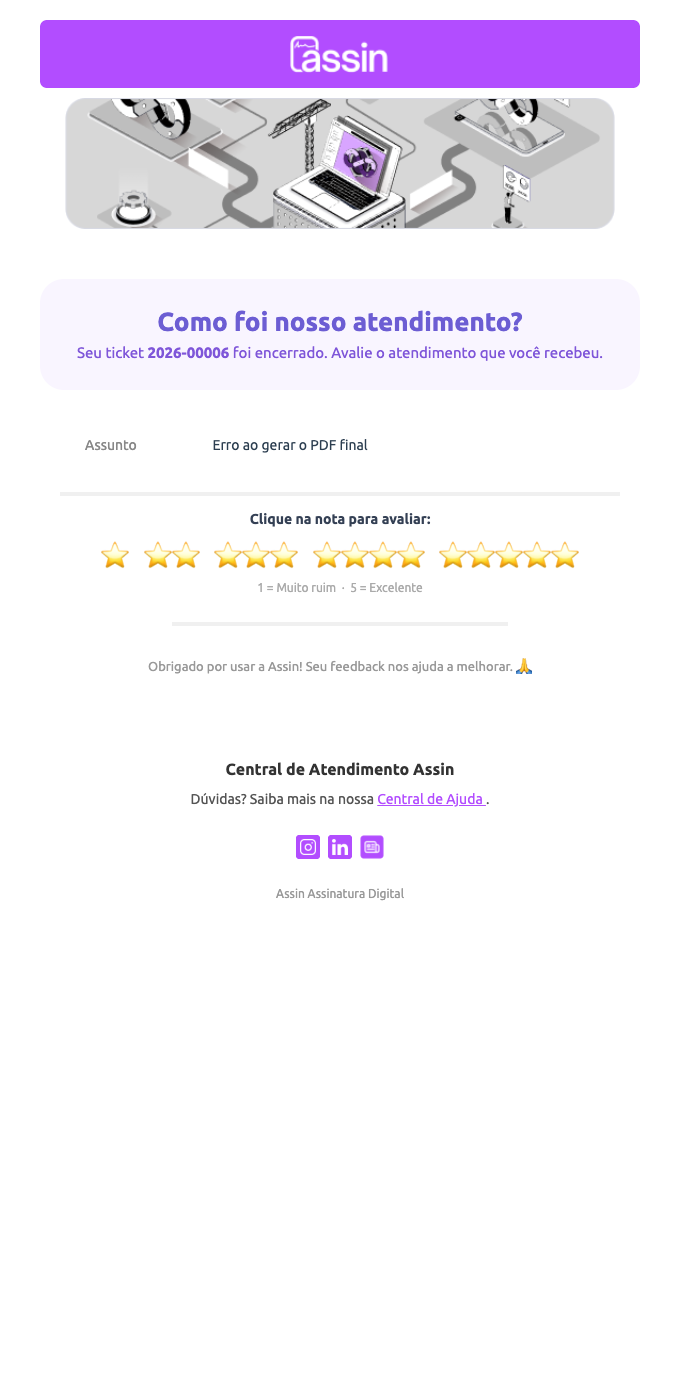
When using Support, you receive: Request received (confirmation with the protocol), Our team replied, closing warning for lack of reply, ticket closed, ticket resolved and the satisfaction survey (rating from 1 to 5).
Other automatic notices
Assin also sends e-mails so you can follow the account without having to enter the platform:
- Envelopes: envelope sealed, “someone signed”, envelope expiring and envelope expired.
- Account and security: welcome, password changed, two-step verification enabled or disabled and access to the company ended (collaborator removed).
- Company and integrations: company approved or with pending adjustments in the documents, new API key created (see API Keys and Webhooks), digital certificate expiring or expired and report ready to download (see Reports).
- Plans and credits: payment confirmed or not processed, subscription canceled, end of the trial period and credits running low.
- Affiliate program: new commission and withdrawal requested, paid or not completed.
Some of these notices were released recently, so not all of them may reach your account yet.
For more information visit our website https://assin.com.br/
See how simple it is, Assin?
Assin Digital Signature
Was this article helpful?
Thanks for your feedback!
Didn't find what you were looking for?
Our team answers Monday to Friday, during business hours. Count on us.