


Login
Learn how to log in to the Assin platform with this quick and easy guide. Access your account securely and hassle-free.
For enhanced security, the Assin platform uses two-step verification (2FA). This means that after entering your email and password, you will need to enter a verification code sent by email or generated in an authenticator app.
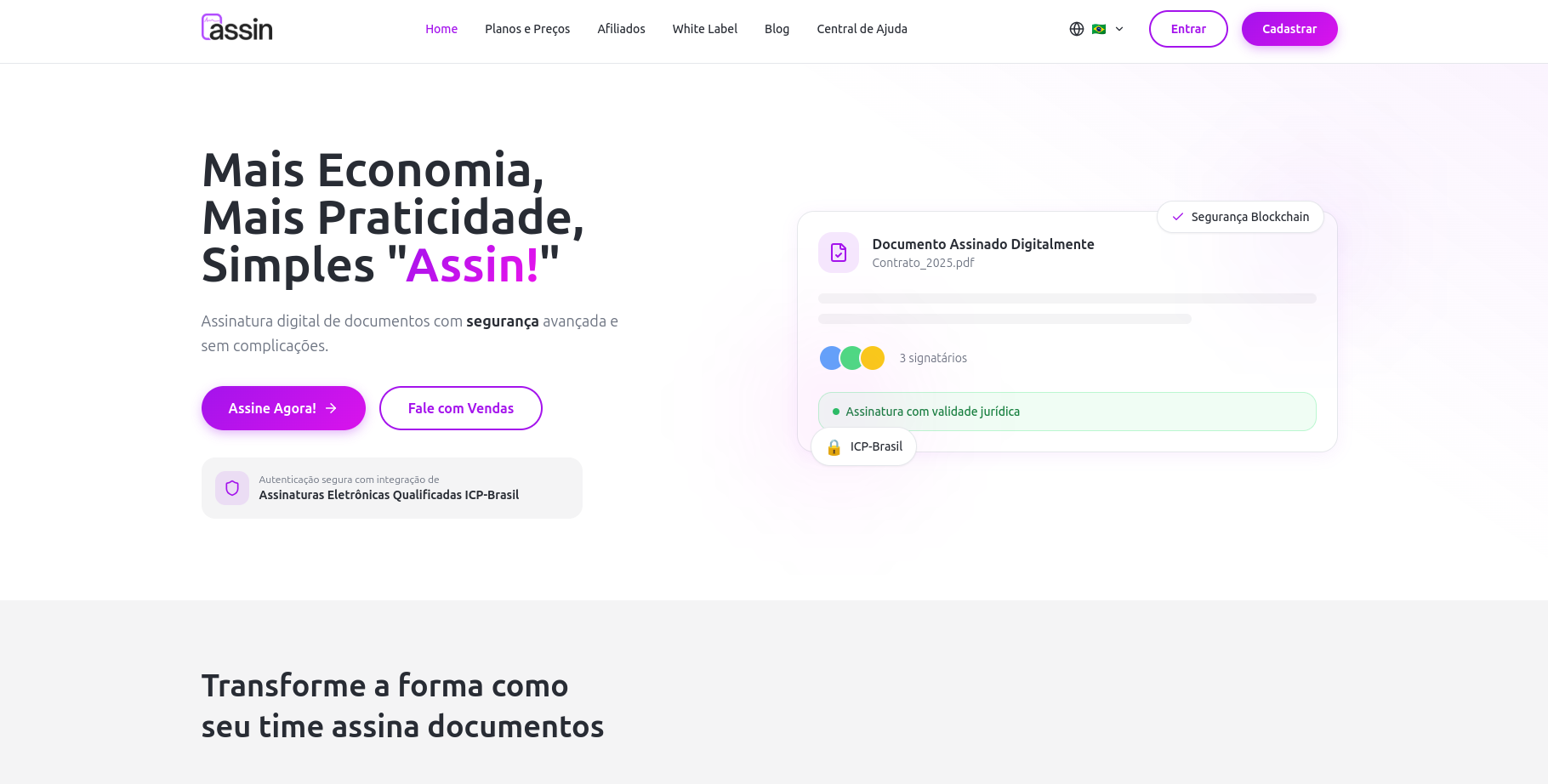
1. Go to https://assin.com.br and click on “Sign In” in the top menu.
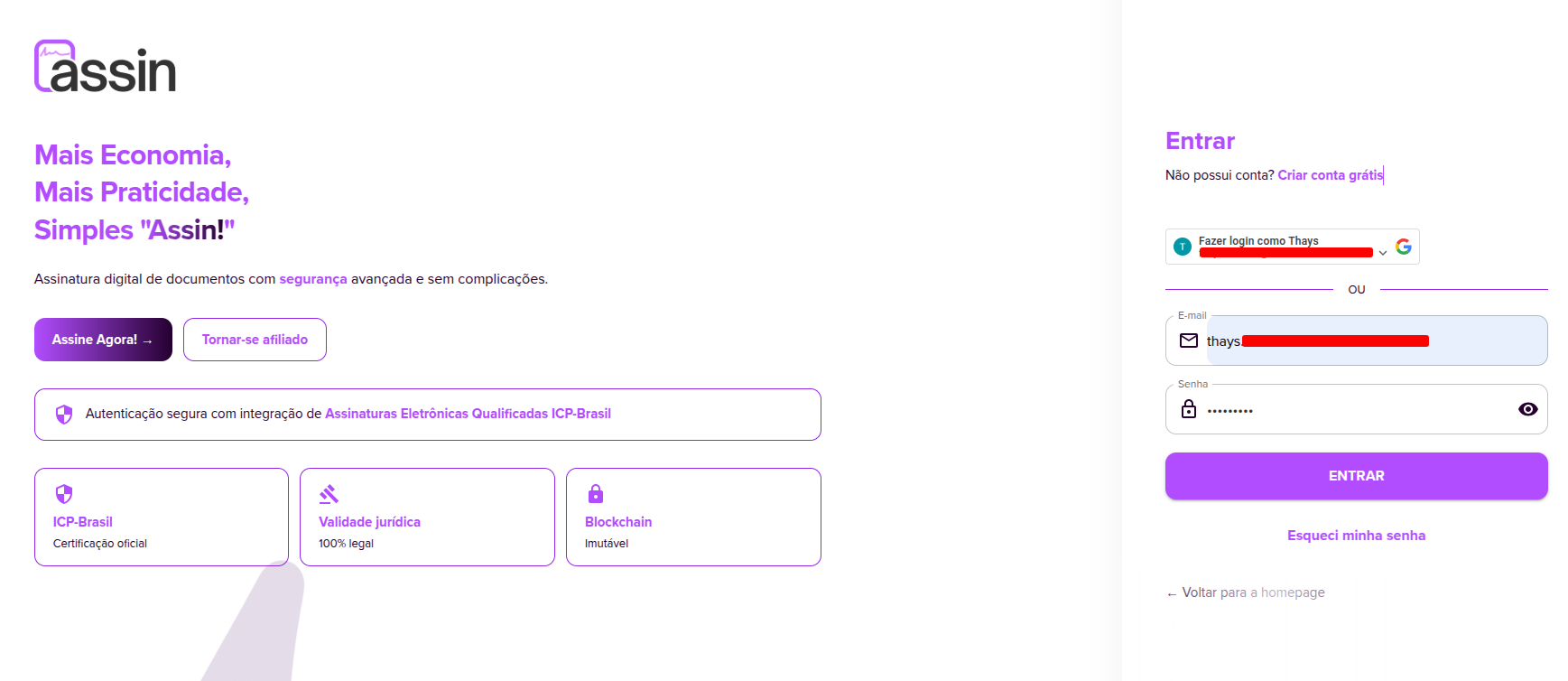
2. You will be redirected to a login screen where you must enter the email and password used during registration.
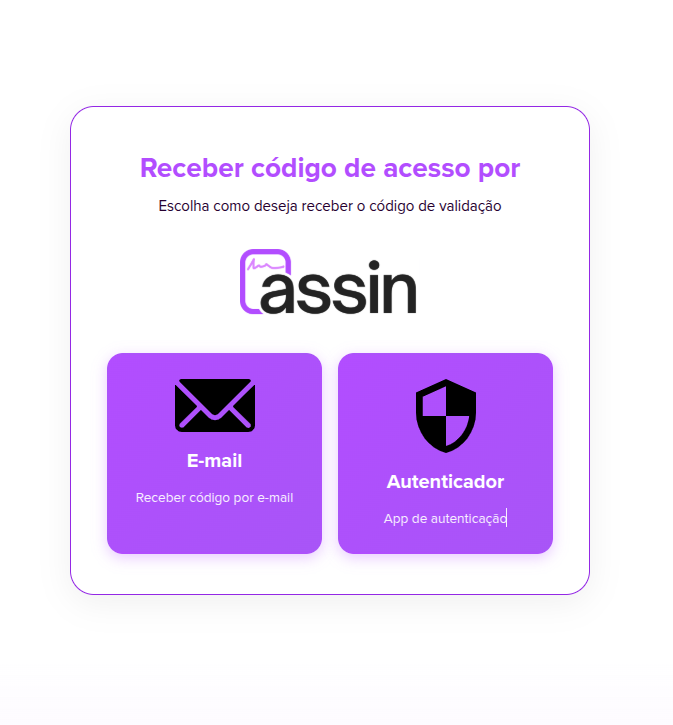
3. On this screen, you must choose how you want to receive the verification code.
You can choose to:
- Receive the code by email
- Use an authenticator app (OTP), such as Microsoft Authenticator or Google Authenticator.
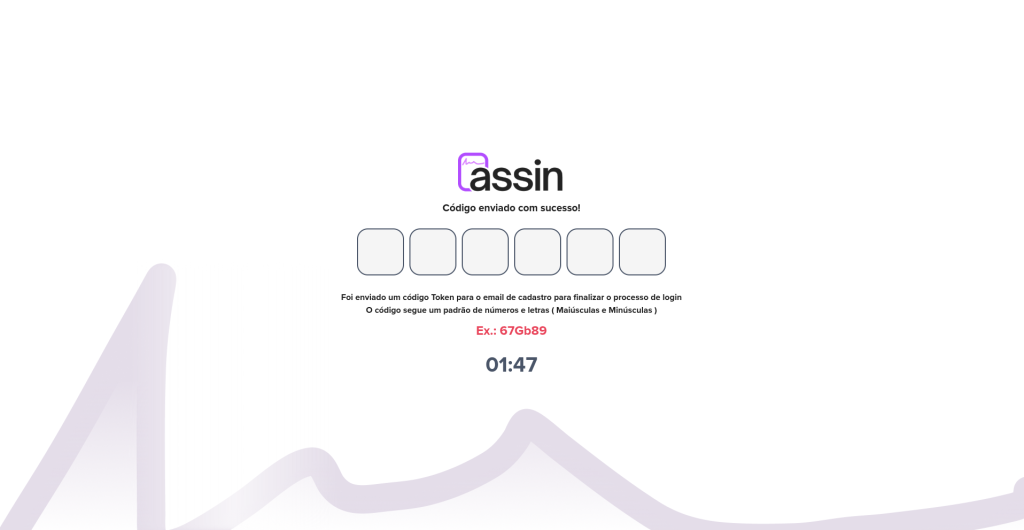
4. If you choose to receive the code by email, look for the message with the subject “Token to login” sent to your registered email and copy the numerical code provided.
5. If you use an authenticator app, open the app configured on your phone and copy the generated verification code.
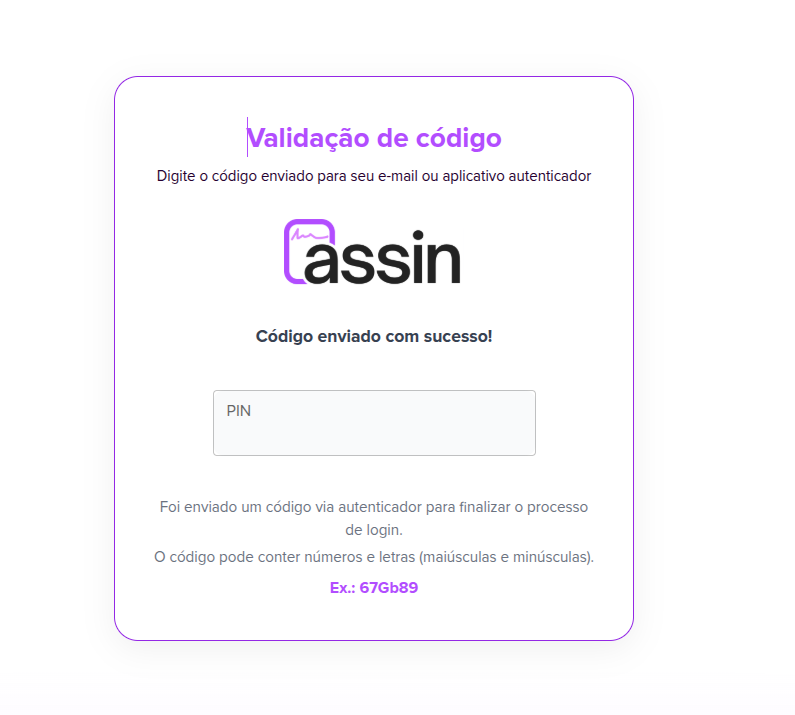
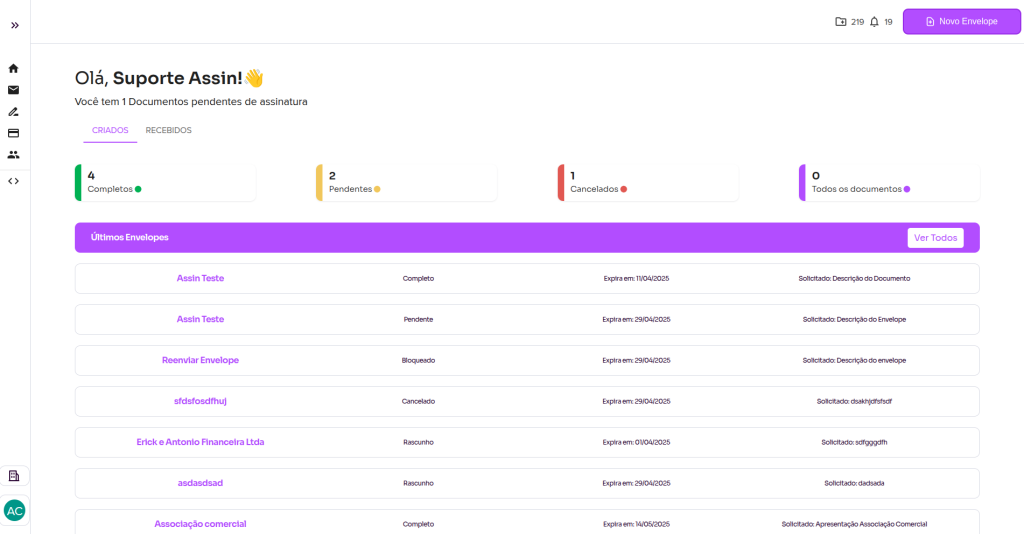
6. After correctly entering all the digits, you will be automatically redirected to the platform’s home page.
For more information, visit our site https://assin.com.br/
See how simple Assin is?
Assin Digital Signature
Was this article helpful?
Thanks for your feedback!