


Password Recovery
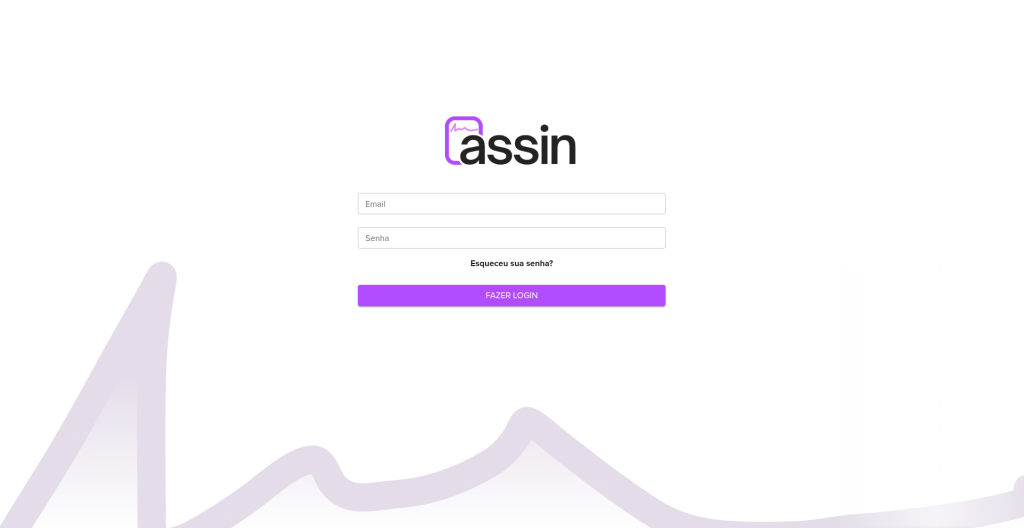
1. Click on “Forgot your password?”.
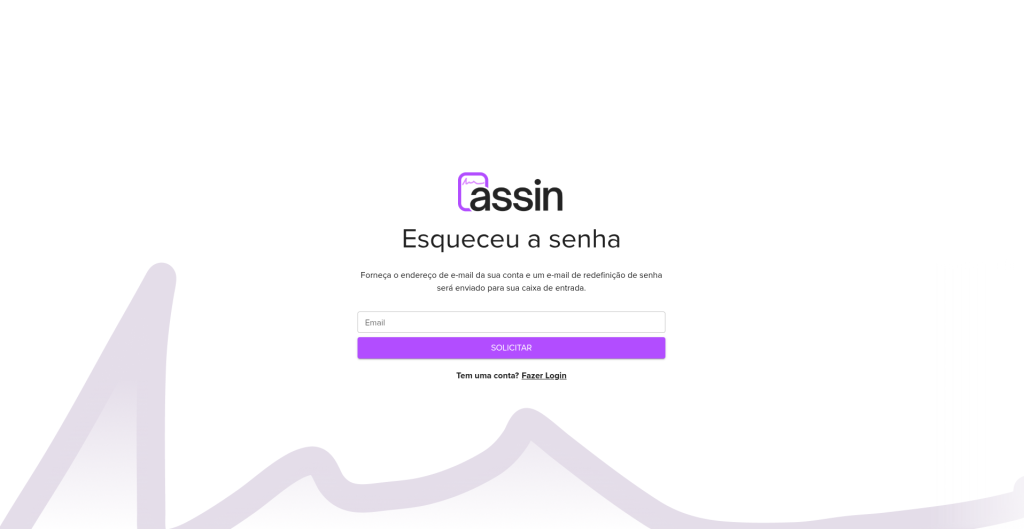
2. You will be redirected to a screen where you must enter the email you are using to try to log in.
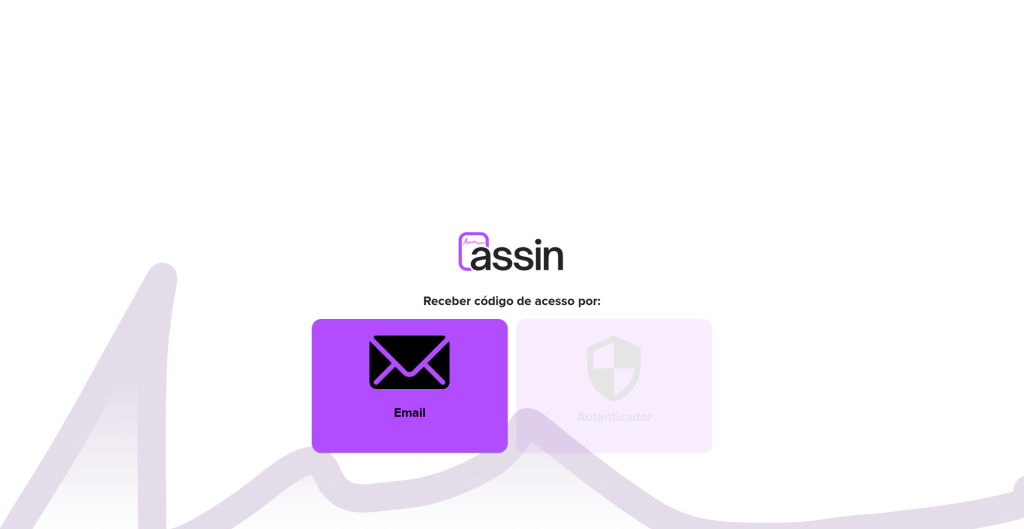
3. After entering the email, click on the email option to receive the validation code.
4. You will then be redirected to this screen to set a new password:
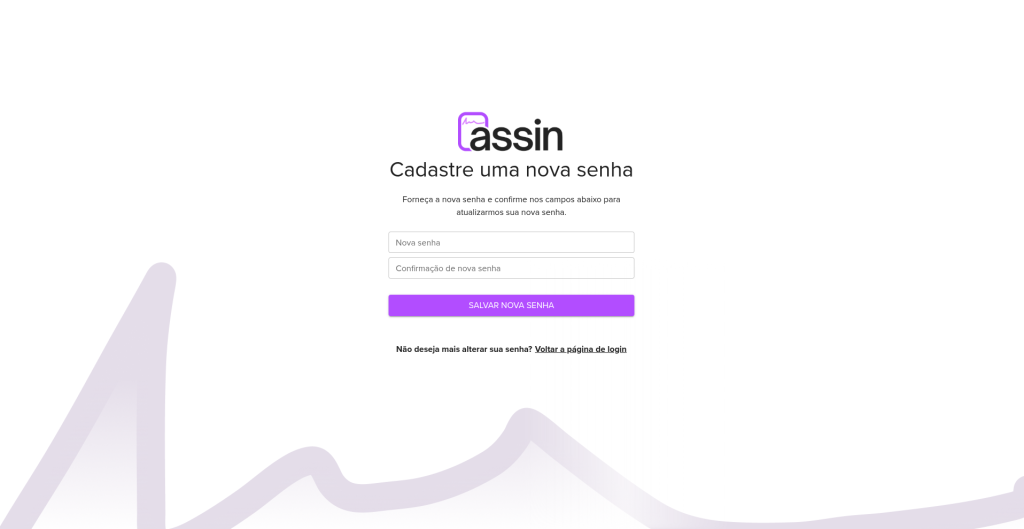
5. After setting a new password, use the code sent to you by email to validate the change.
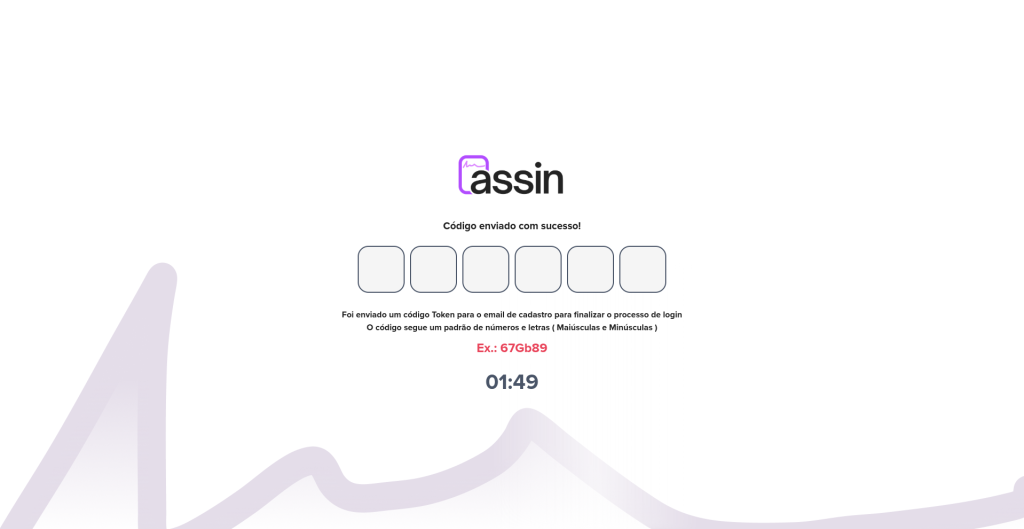
6. You will then be automatically redirected to our login screen.
For more information, visit our site https://assin.com.br/
See how simple Assin is?
Assin Digital Signature
Was this article helpful?
Thanks for your feedback!